
How to Implement SSL Pinning in Swift
Prevent man-in-the-middle attacks in your app whether you use Apple’s APIs or Alamofire
Prevent man-in-the-middle attacks in your app whether you use Apple’s APIs or Alamofire

Learn to make your SwiftUI views smaller, simpler, and more reusable.

In this MVVM with Combine Tutorial, you’ll learn how to get started using the Combine framework along with SwiftUI to build an app using the MVVM pattern

In this article we are going to learn how to implement the powerful MVVM design pattern in SwiftUI applications that are leveraging the Combine framework. The combination of these 3 concepts will be the standard
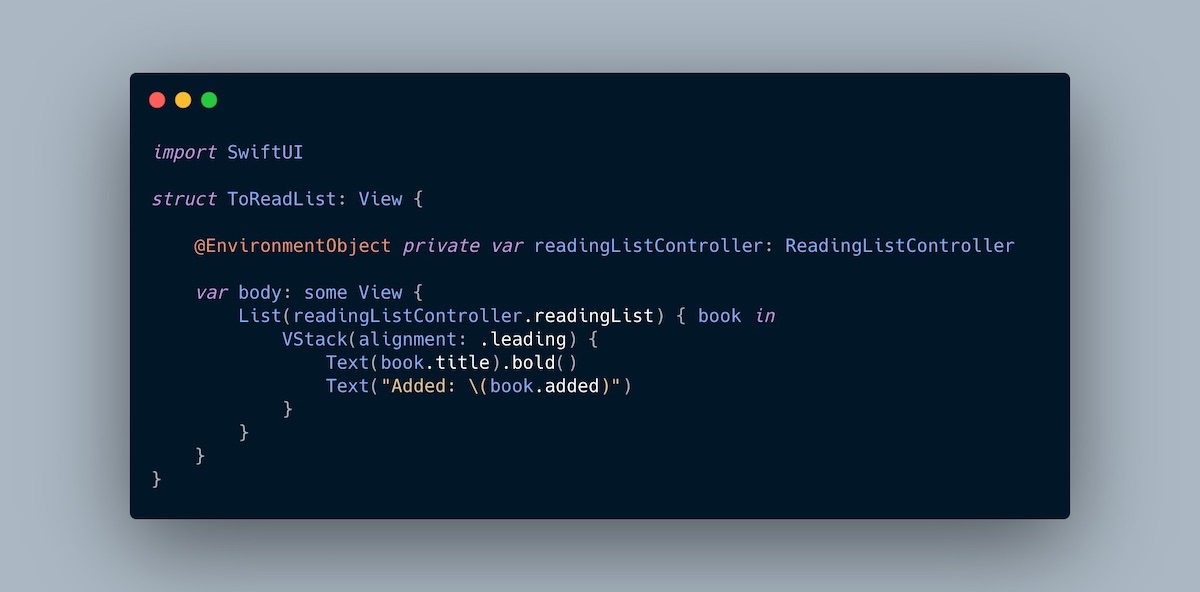
This post shows two ways of achieving dependency injection in SwiftUI: using @EnvironmentObject or a View Model Factory.

In this post I’ll show you a way I’ve used KeyPaths in Swift to drastically improve how I architected a settings screen. This post will…

Shell scripts are essentials on the server side. Learn how to build Swift scripts for your backend apps using property wrappers.
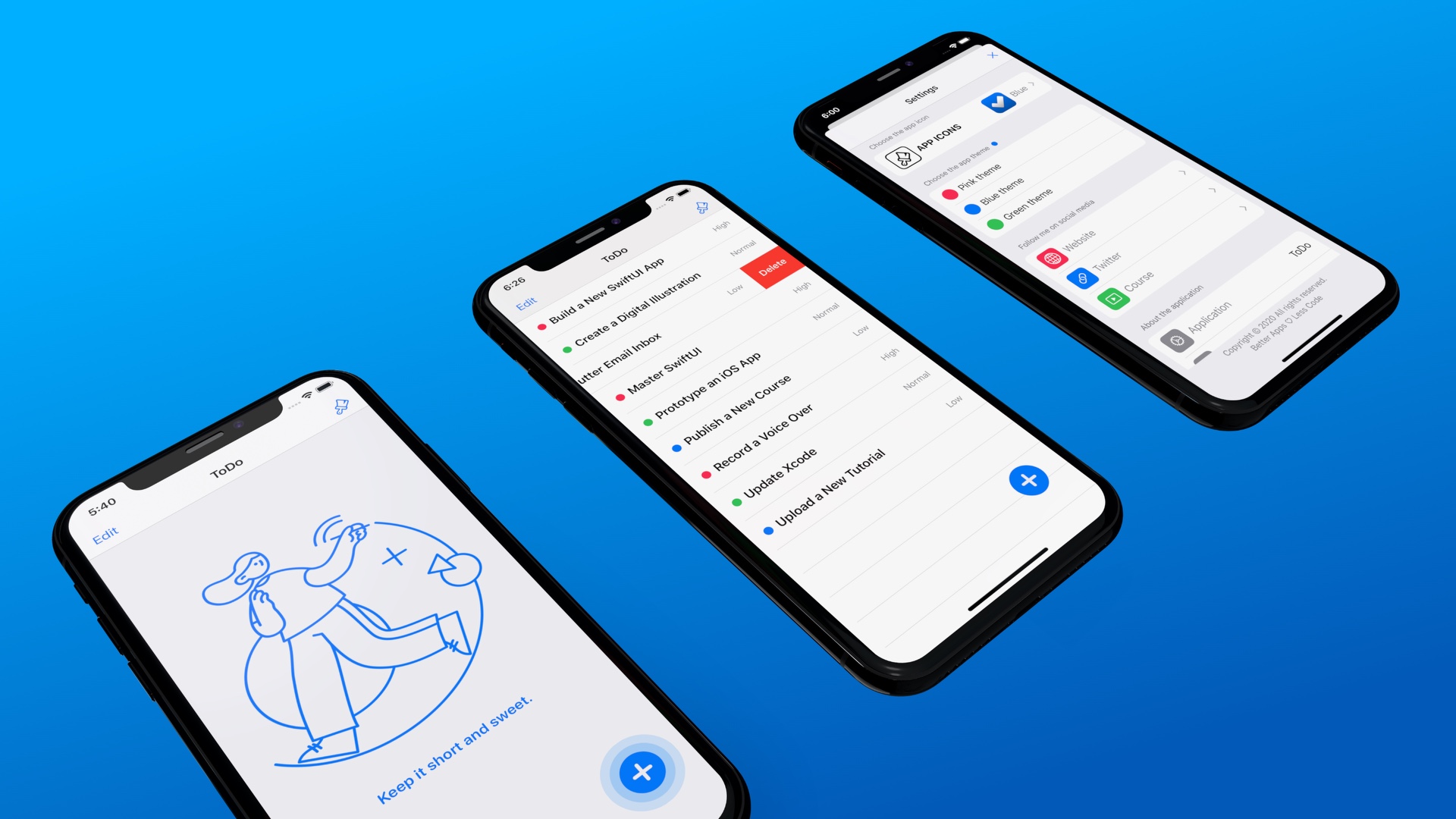
Implementing the Remote Configuration feature and integrating it with the latest Swift development environment; the pros and cons of adding dependencies.

Clean up state or print out debug information just before leaving the scope by defining the defer statement can improve development a lot.

Clear up any ambiguity and get typed errors too

The tab bar interface appears in some of the most popular mobile apps such as Facebook, Instagram, and Twitter. A tab bar appears at the bottom of an app screen and let users quickly switch between different functions of an app. In UIKit, you use the UITabBarController to create the tab bar interface. For the SwiftUI framework, it provides a UI component called TabView for developers to display tabs in the apps. In this tutorial, we will show you how to create a tab bar interface using TabView, handle the tab selection, and customize the appearance of the tab bar. […]
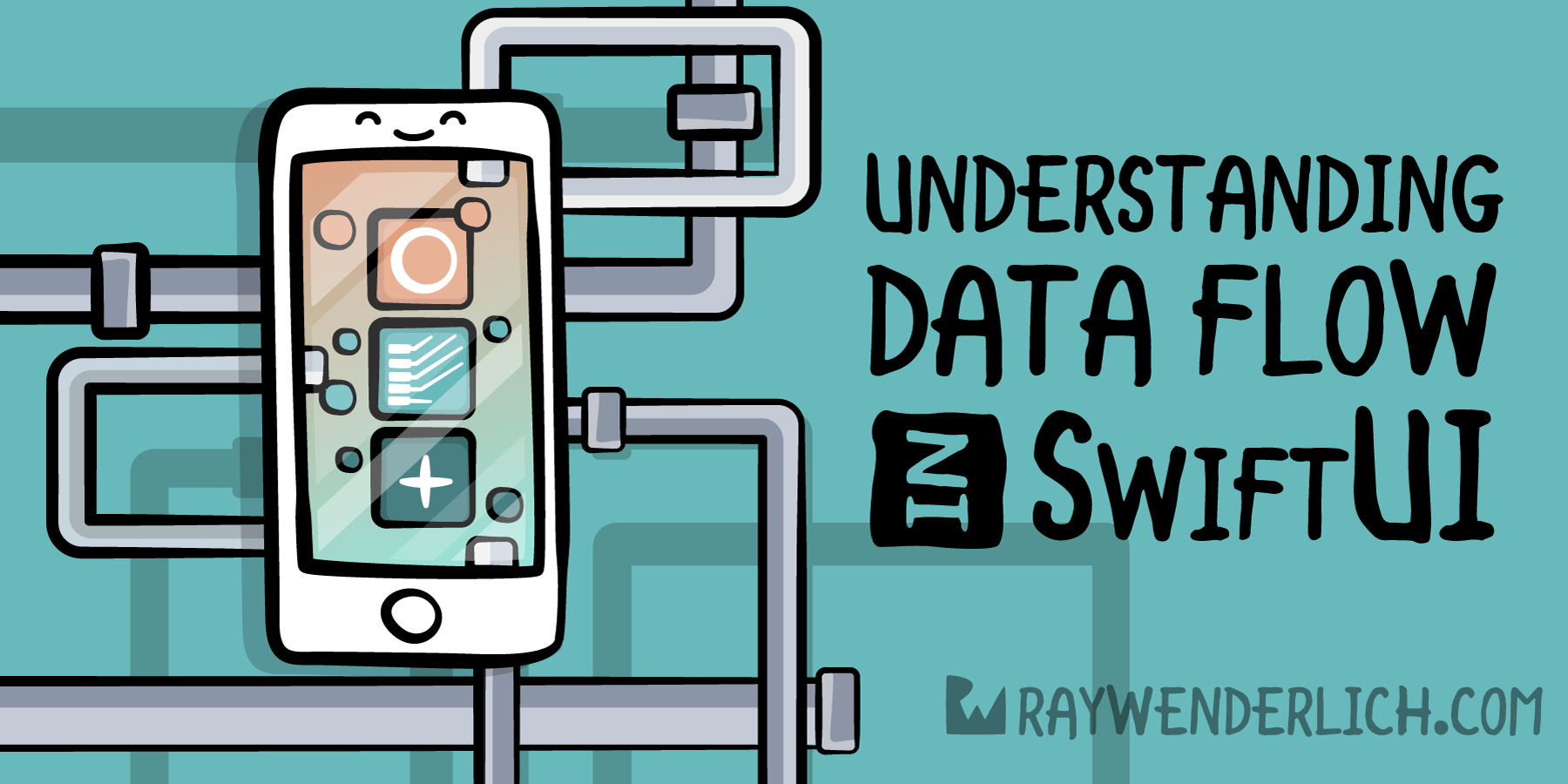
In this tutorial, you’ll learn how data flow in SwiftUI helps maintain a single source of truth for the data in your app.

Swift 4 is almost upon us, and I thought I would explore one of its features that I haven’t had the opportunity to that much: KeyPaths. There’s a lot of interesting nuance in here that I previously didn’t realize existed which I’d love to share.

Using Apple's recommended unified logging system using OSLog can be done in just a few steps. Learn how to use it in combination with the Console app.

Learn how to create your own Combine publisher in Swift